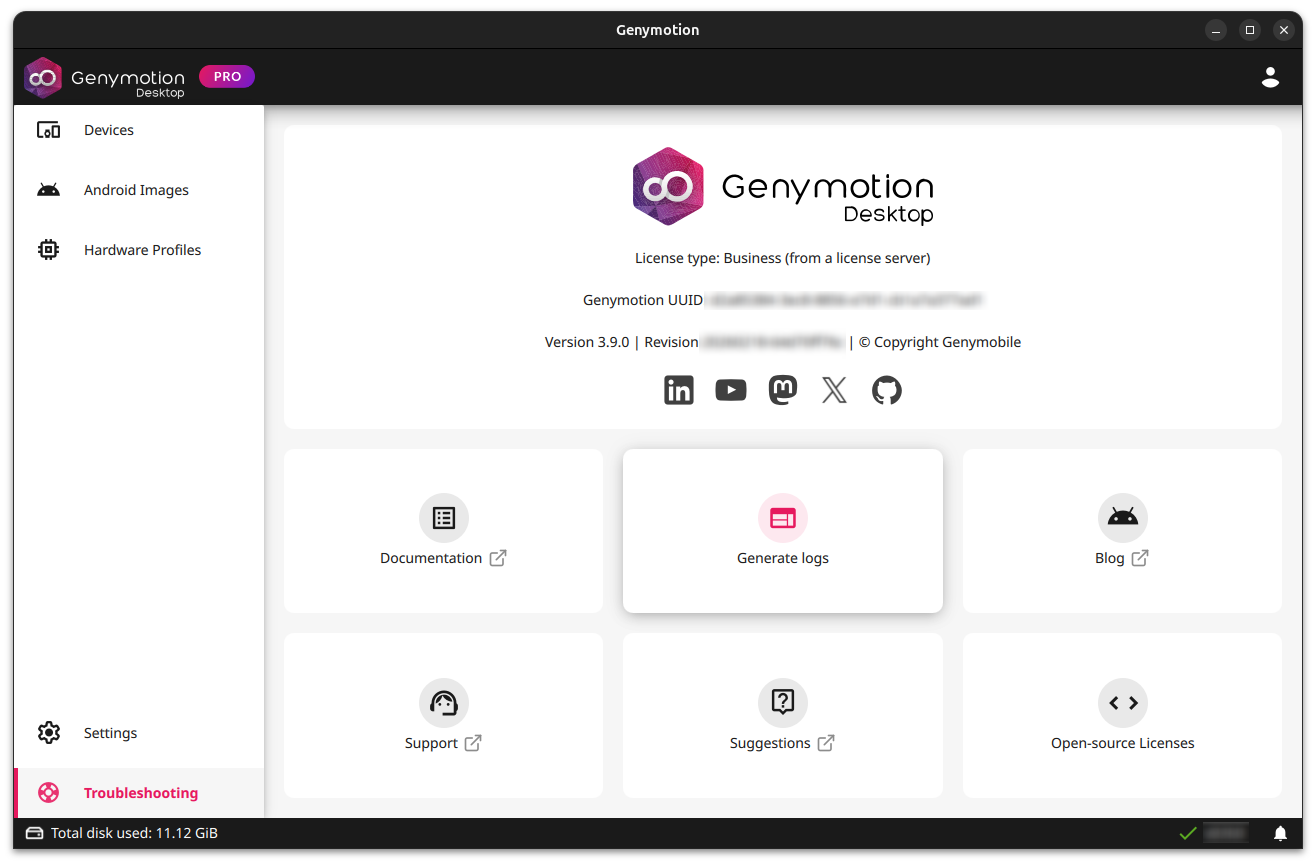
Genymotion Desktop Launchpad Overview
Devices dashboard
This is the main panel. All your created virtual devices will be displayed here. You can switch between LOCAL and CLOUD devices.
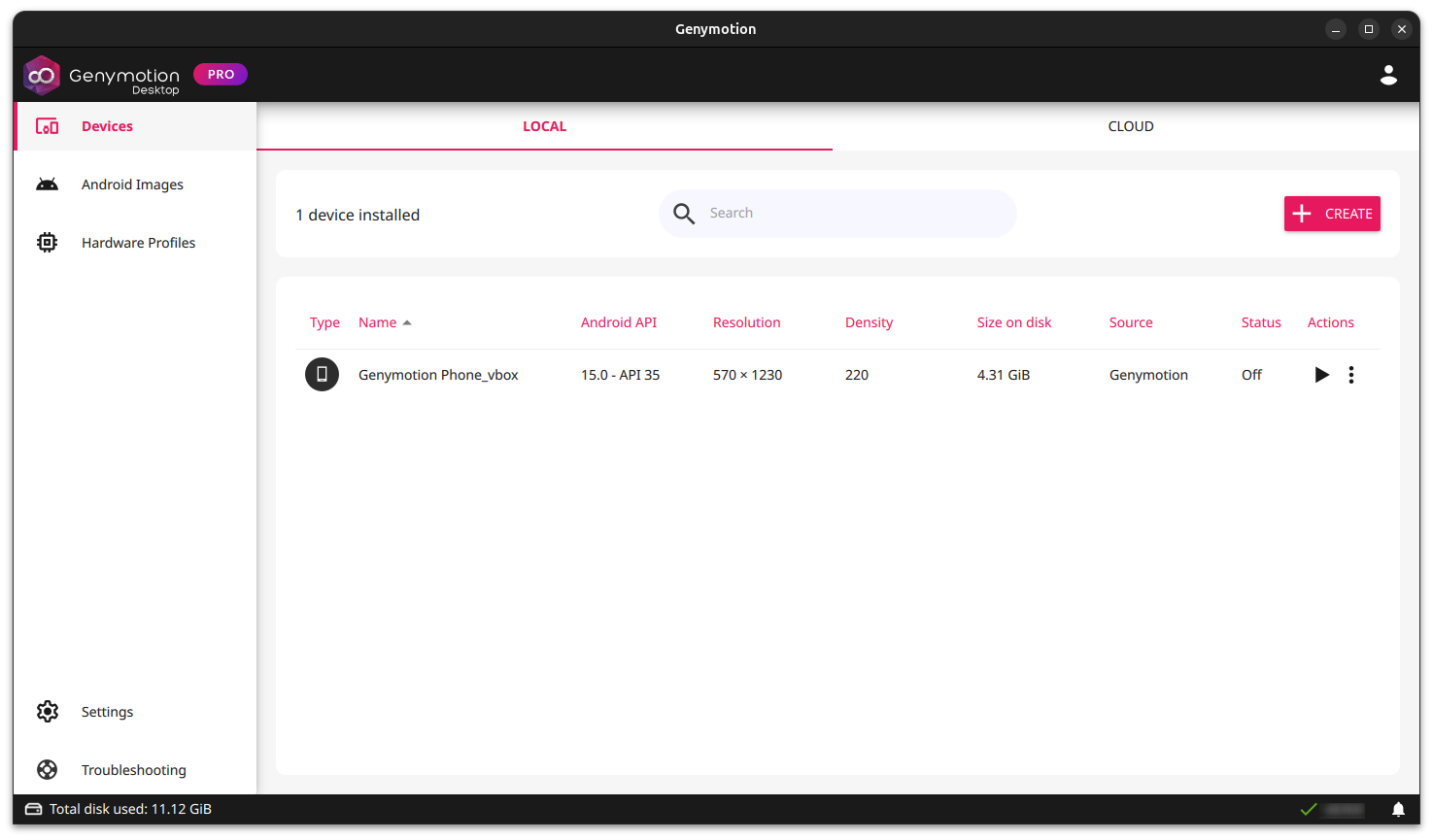
Local
In the LOCAL panel, you will find a list of all your local virtual devices. You can start, edit, delete or duplicate your virtual devices here. For more information, go to Virtual Devices Settings
Cloud
You need a Genymotion SaaS account and subscription in order to use Cloud devices in Genymotion Desktop
In the CLOUD panel, you can view your Genymotion SaaS Cloud recipes and start an instance:
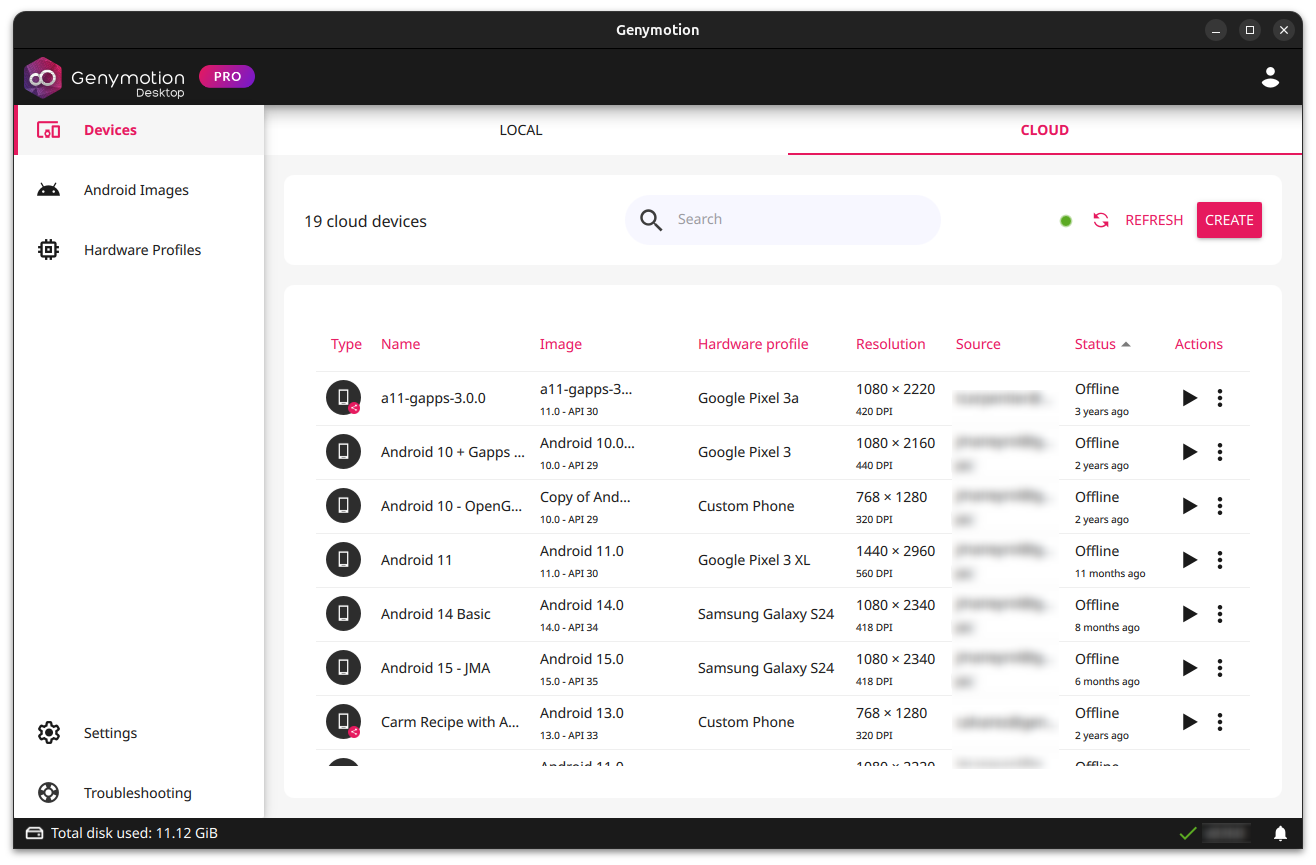
For more information, please refer to Cloud Virtual Device.
Android Images
This panel lists all the available Android Images for Genymotion Desktop:
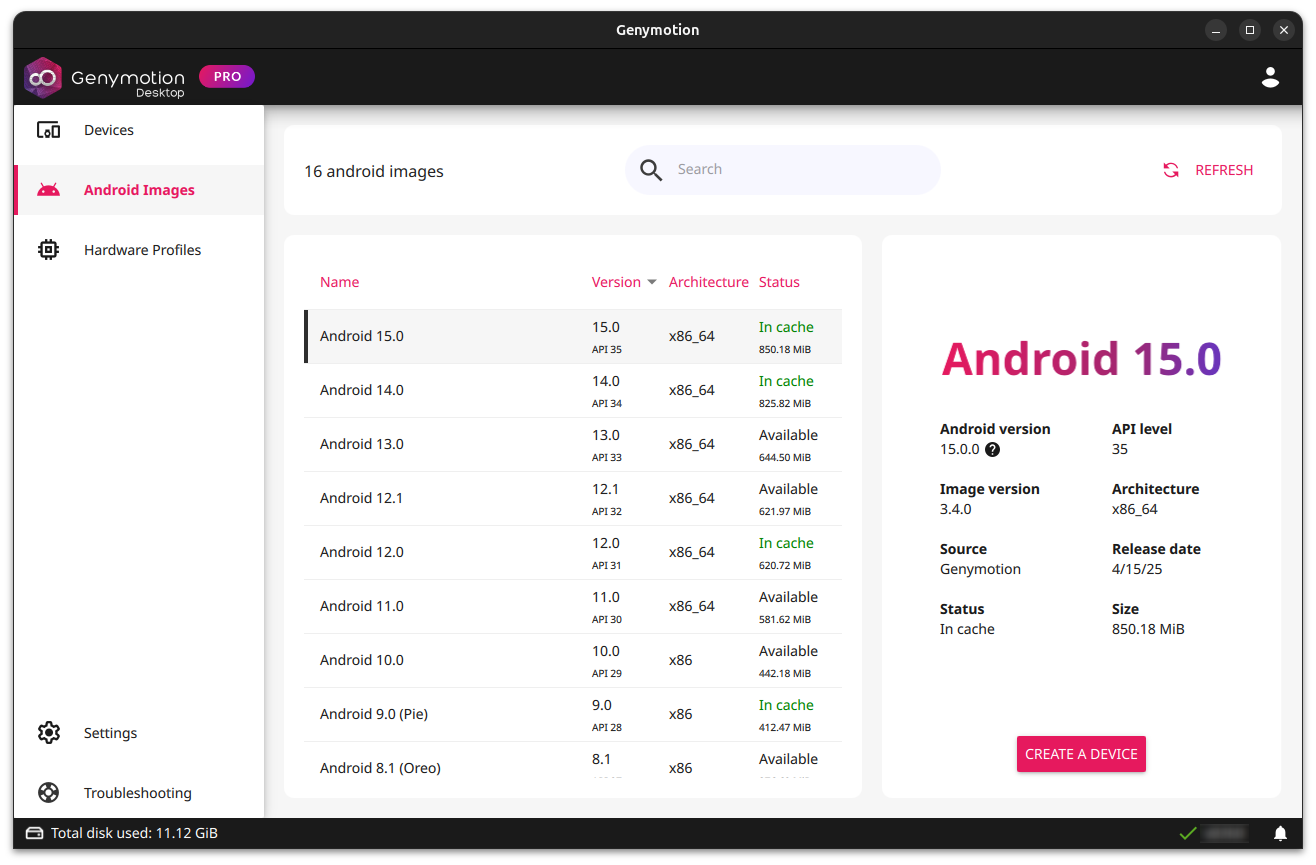
You can select an image and click CREATE A DEVICE to create a virtual device with this image.
Click REFRESH to force an update of the available Android images.
Hardware profiles
This panel lists all the available hardware profiles for Genymotion Desktop:
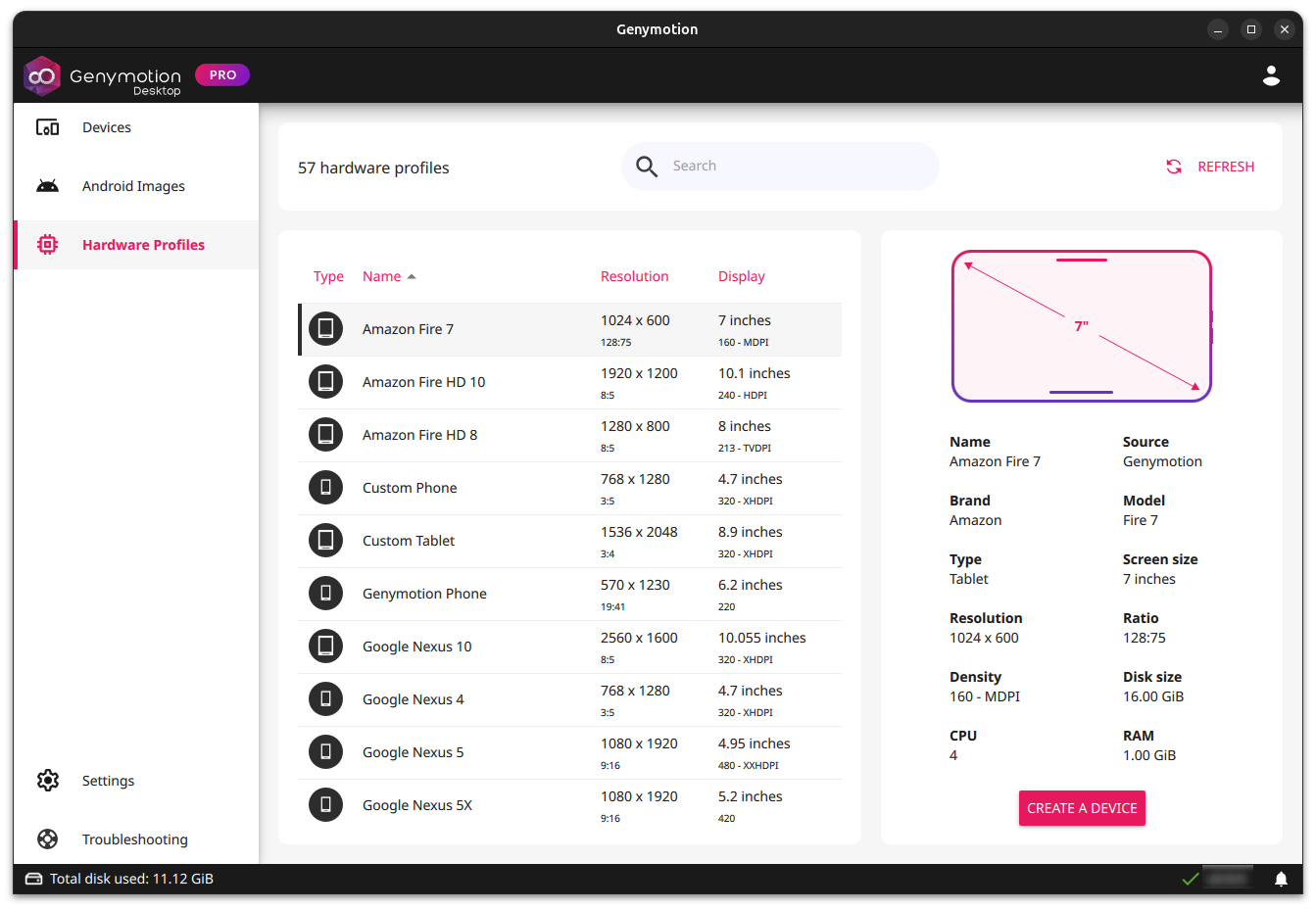
You can select a hardware profile and click CREATE A DEVICE to create a virtual device with this profile.
Click REFRESH to force an update of the available Hardware profiles.
Settings
You can set up Genymotion Desktop global settings from this panel:
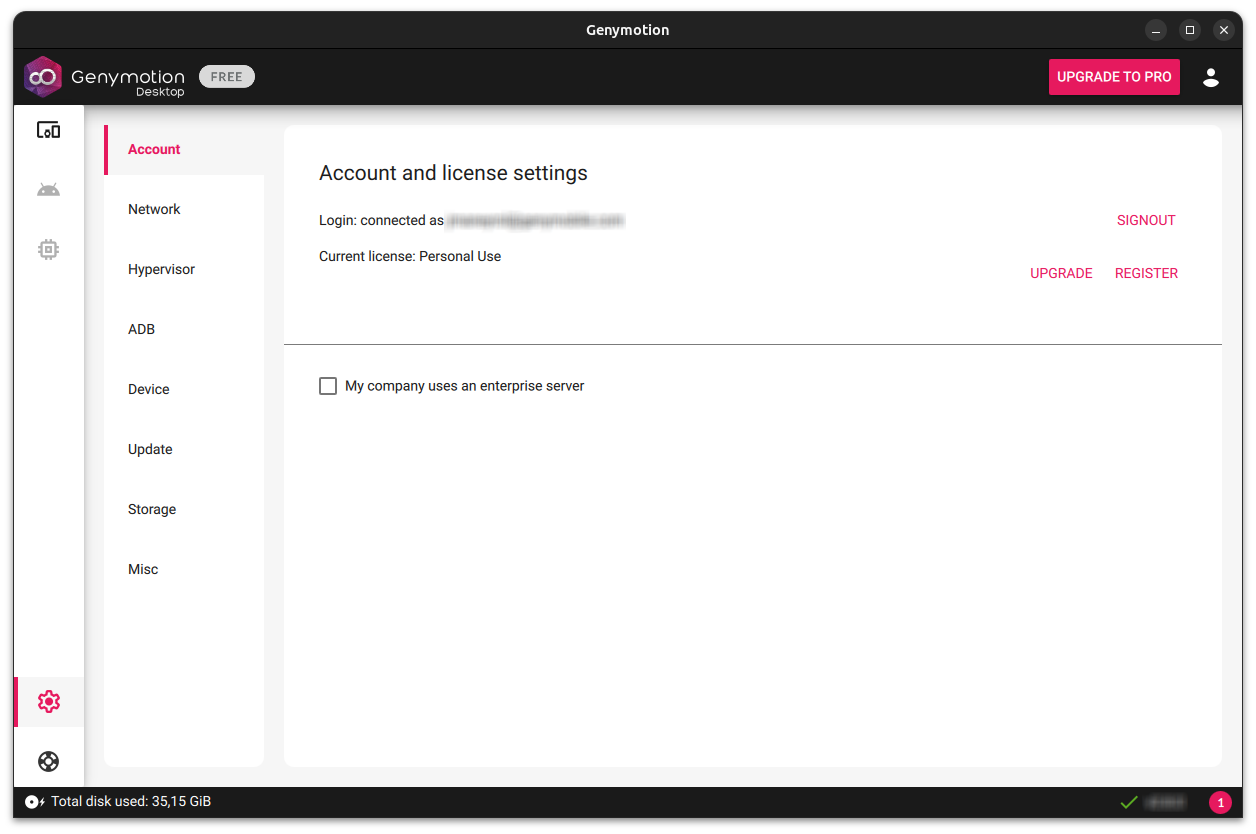
Please refer to Global Settings for detailed instructions.
Troubleshooting
This panel contains multiple tools and information to help you troubleshooting. You can generate Genymotion logs from there: